Important Notes on the Lanserhof App
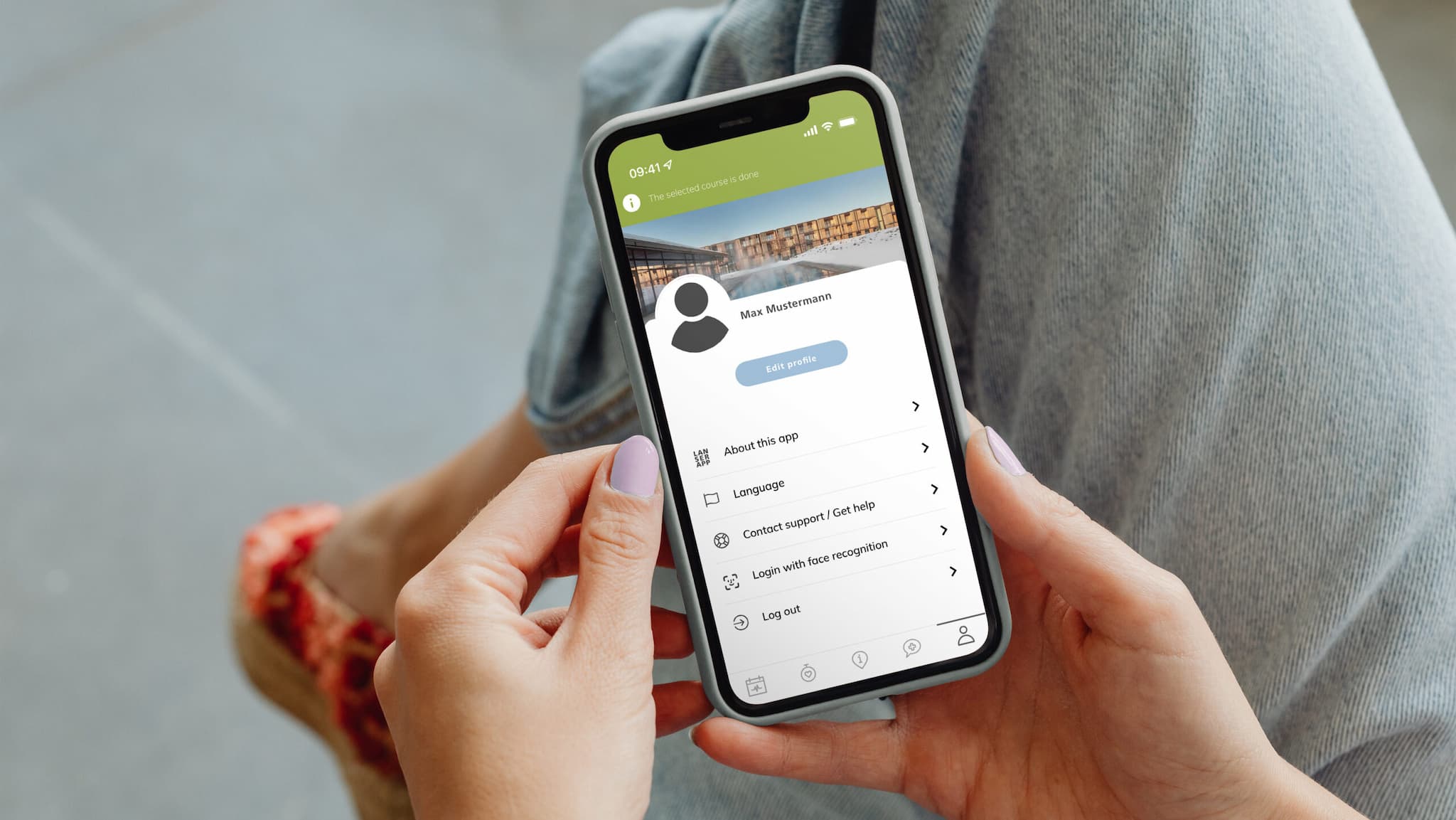
Welcome to the Lanserhof Guest App!
The app is your digital companion throughout your entire stay – it reliably reminds you of your individual appointments and the daily schedule of your health programme, while providing all essential information about your stay in a clear and accessible format.
The app is currently available at our resort on Sylt. You will find instructions for use below.
At our locations in Lans and Tegernsee, the app is still in development – we kindly ask for your patience.


Step 1
Start the app and select the option „Create new user“ via the question mark icon.
You must then agree to the privacy policy.
Step 2
Enter your full name:
– via the keyboard
– by voice control
– via scan function
Then click on Next to go to the next dialogue.
Step 3
Select your country code and enter your telephone number (without leading zero, so instead of 0152, enter 152) for two-factor authentication (2FA). Select a PIN code with 4 to 6 digits and then confirm it.
Have the confirmation code sent to you by SMS and then enter it.
Step 4
You are now set up as a guest in the Lanser App.
As soon as you have been assigned a stay,
it will be displayed here.
Step 5
You can now change your profile and select a language for the app.
When you arrive, your optional services will be coordinated with you accordingly and displayed in the app. You will be informed about your schedule at all times.